
Melonity
Price range: $14.99 through $29.99
United States dollar ($) - USD
Cheat Requirements
 Works on all Windows 10/11 versions
 Intel & AMD supported
 Borderless / Windowed
Purchase
Choose your subscription length (RUNTIME) below and press “add to cart”. Now choose your payment method on the checkout screen and enter a valid email address.
How To Use
After payment, you’ll receive the Melonity product download, your personal key and a simple step-by-step tutorial in your MY ACCOUNT section on our website.
- Description
- Additional information
- Reviews (0)
Description

MOVEMENT
- Auto Movement – automatic character movement in the selected direction
- Move Forward Bind – bind for moving forward in auto‑movement mode
- Move Backward Bind – bind for moving backward in auto‑movement mode
- Stop on WASD – automatic stop when pressing W, A, S, D
- Stop on Enemy Detected – stop when an enemy is detected
- Free Camera While Running – free camera control while running
- Auto Sprint – automatic sprint activation
- Followbot – automatic following of a selected player
- Switch Follow Target – switch follow target by bind
- Stop Follow on WASD – stop following when manually controlling movement
- Auto Hammer – automatic use of the construction hammer
- Auto Build – automatic construction of prepared blueprints
- Build Search Distance – blueprint search radius
- Dry Trenches – automatic trench draining
- Auto Gather – automatic resource gathering
- Repeat Pull – repeat last item‑pull action
- Disable if Storage Empty – stop when storage is empty

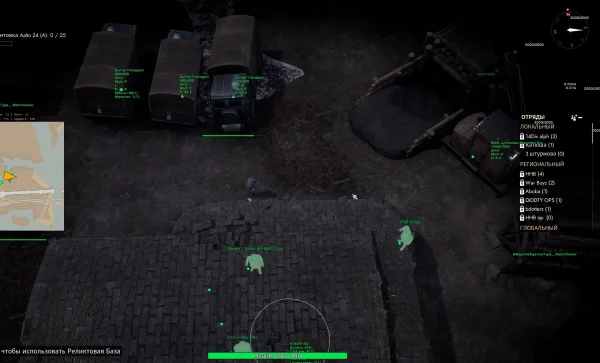
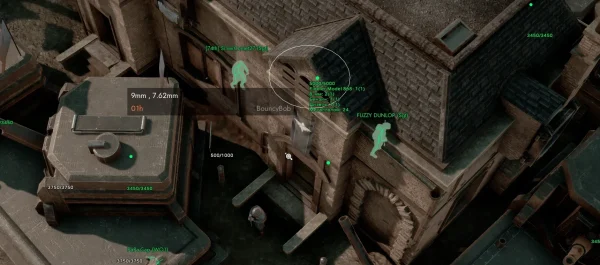
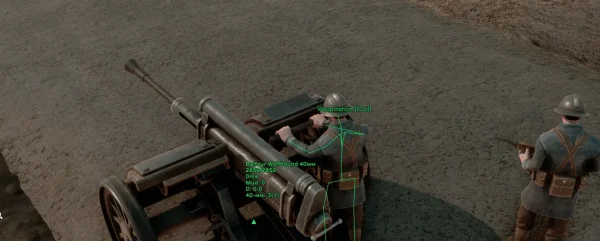
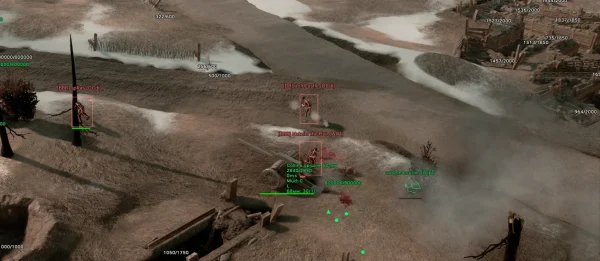
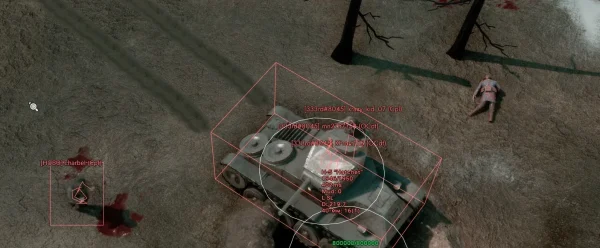
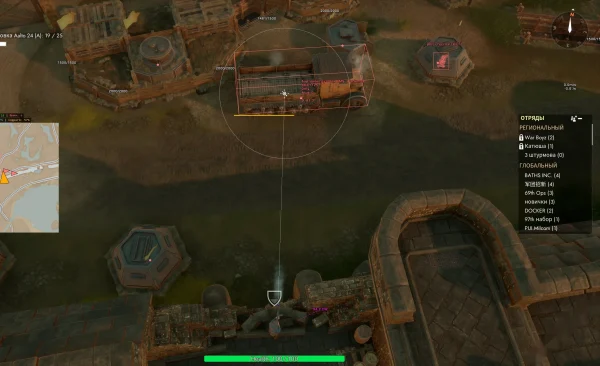
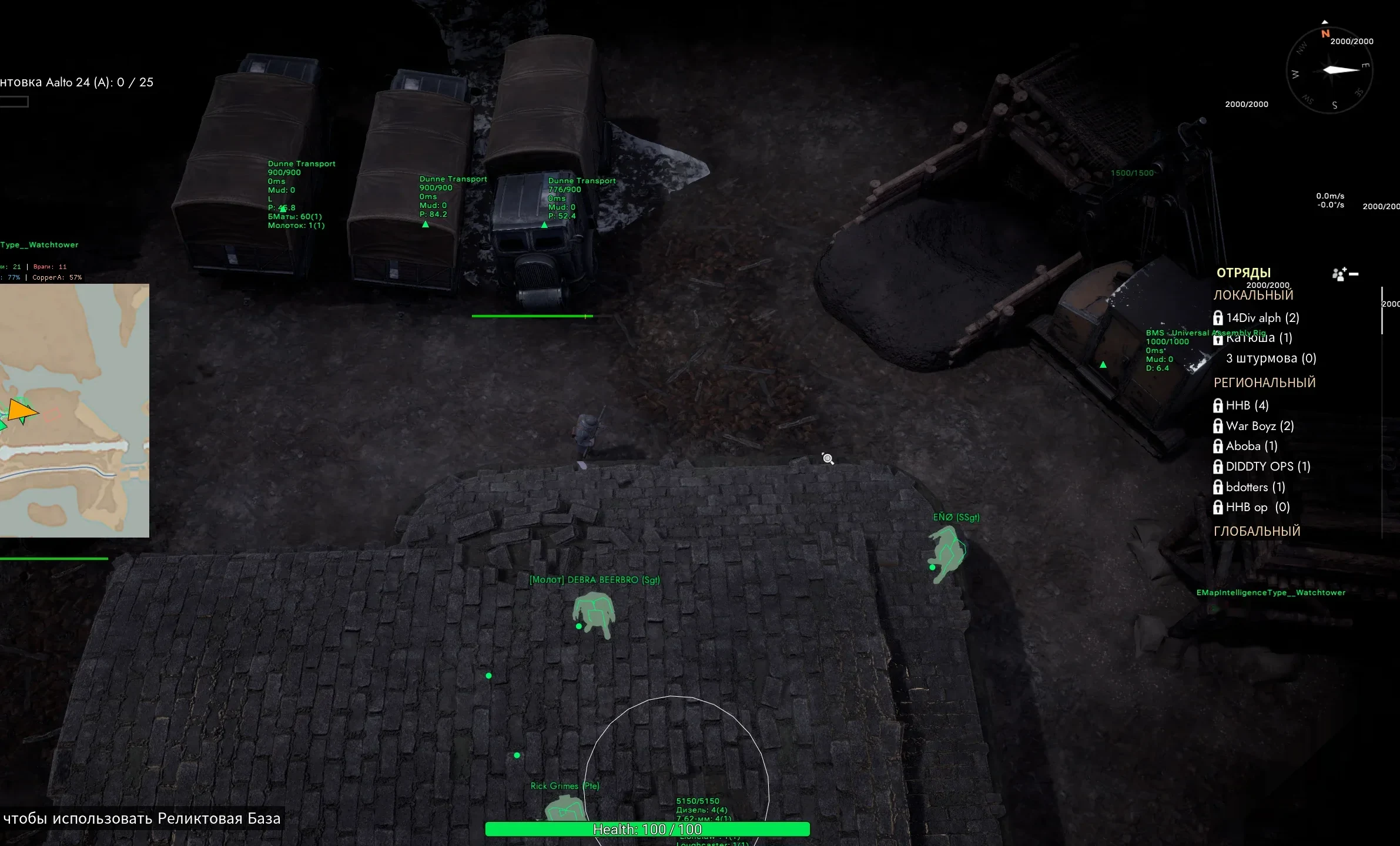
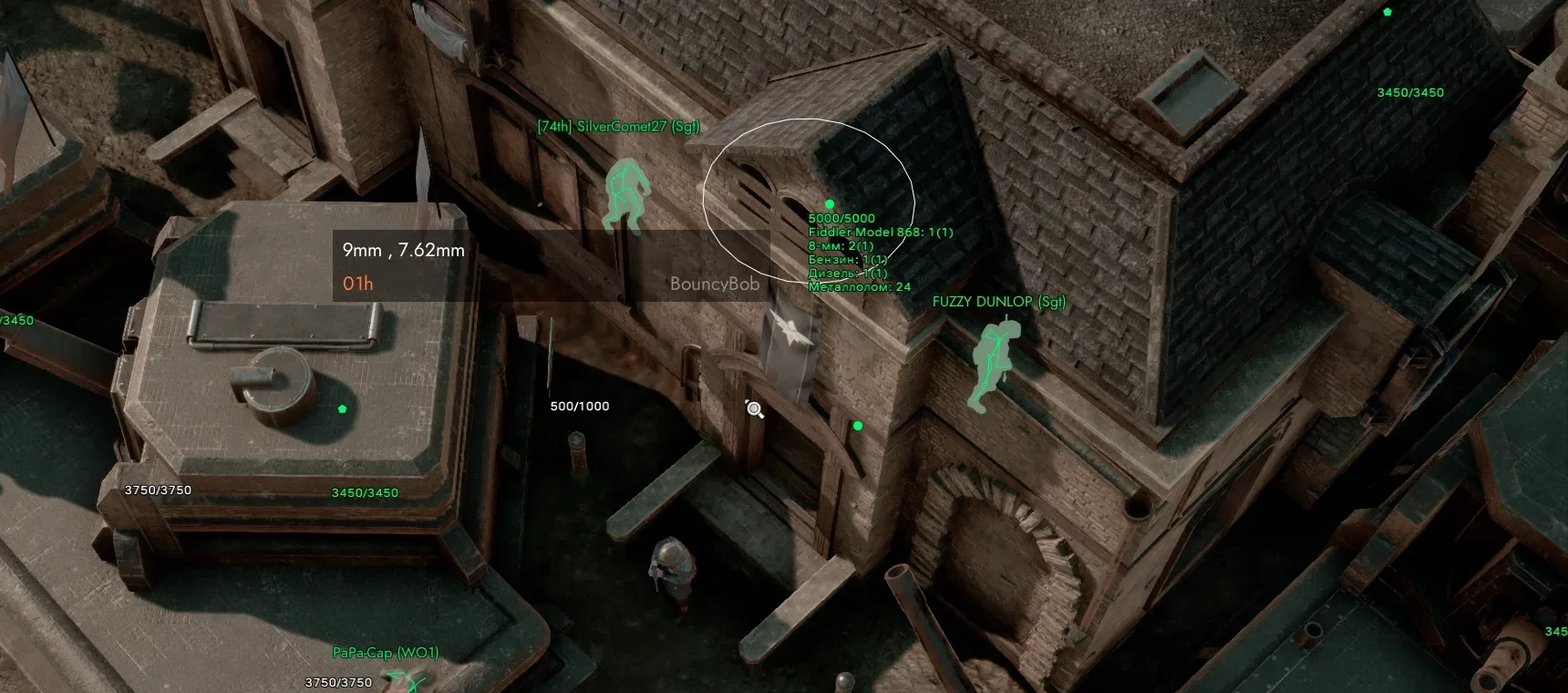
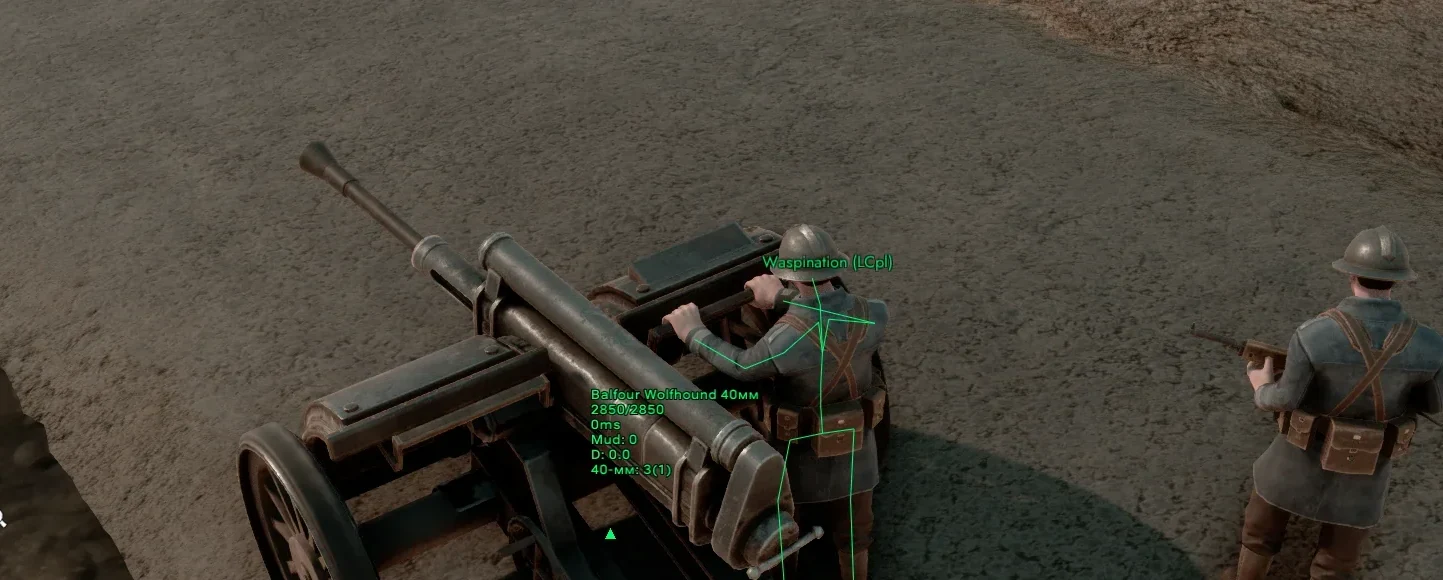
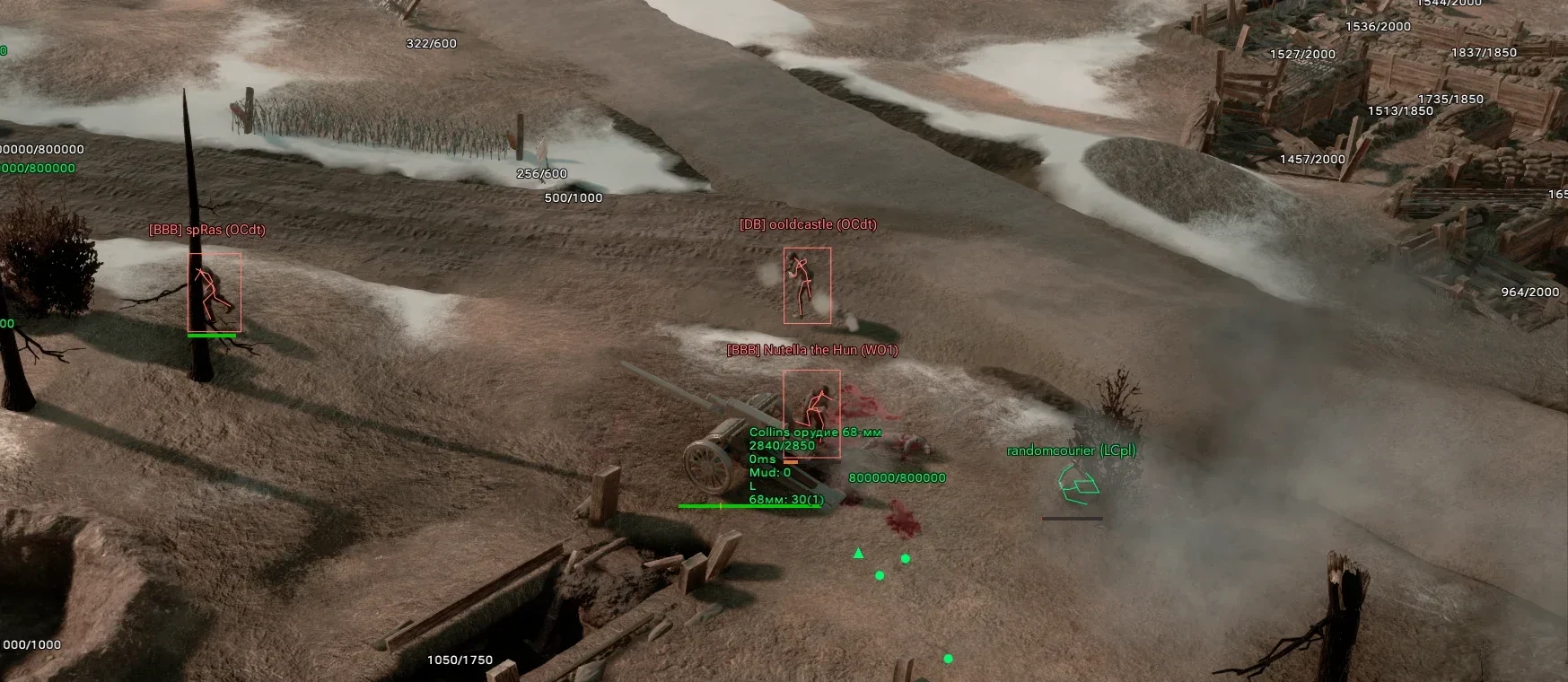
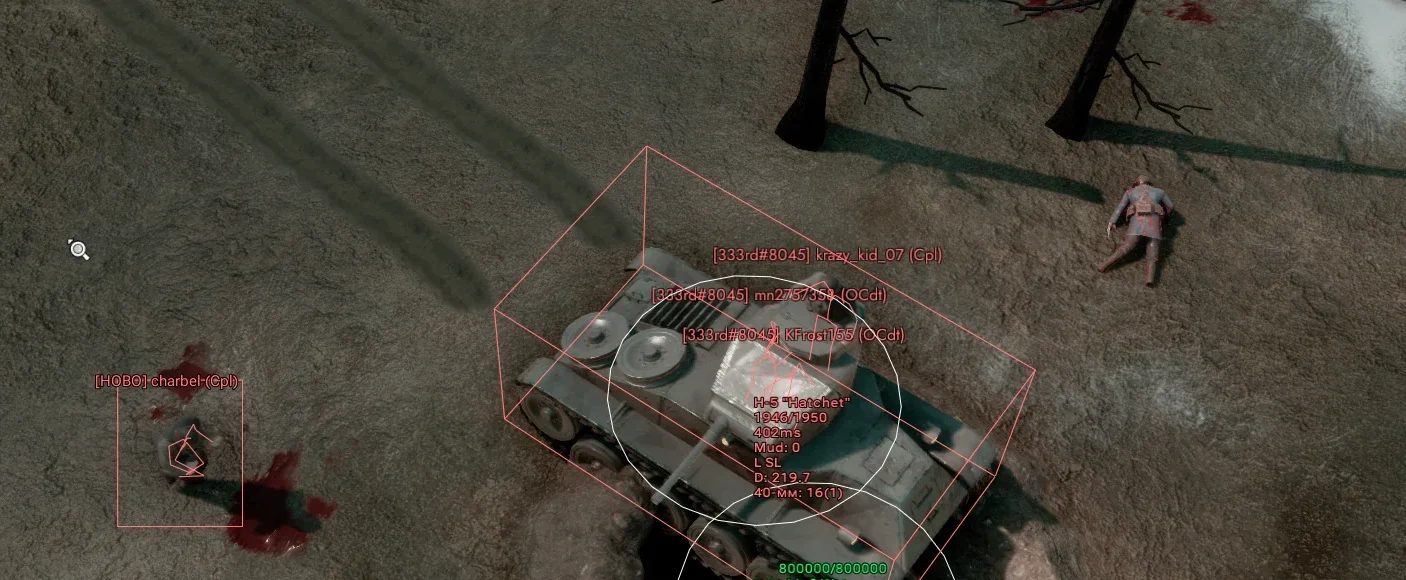
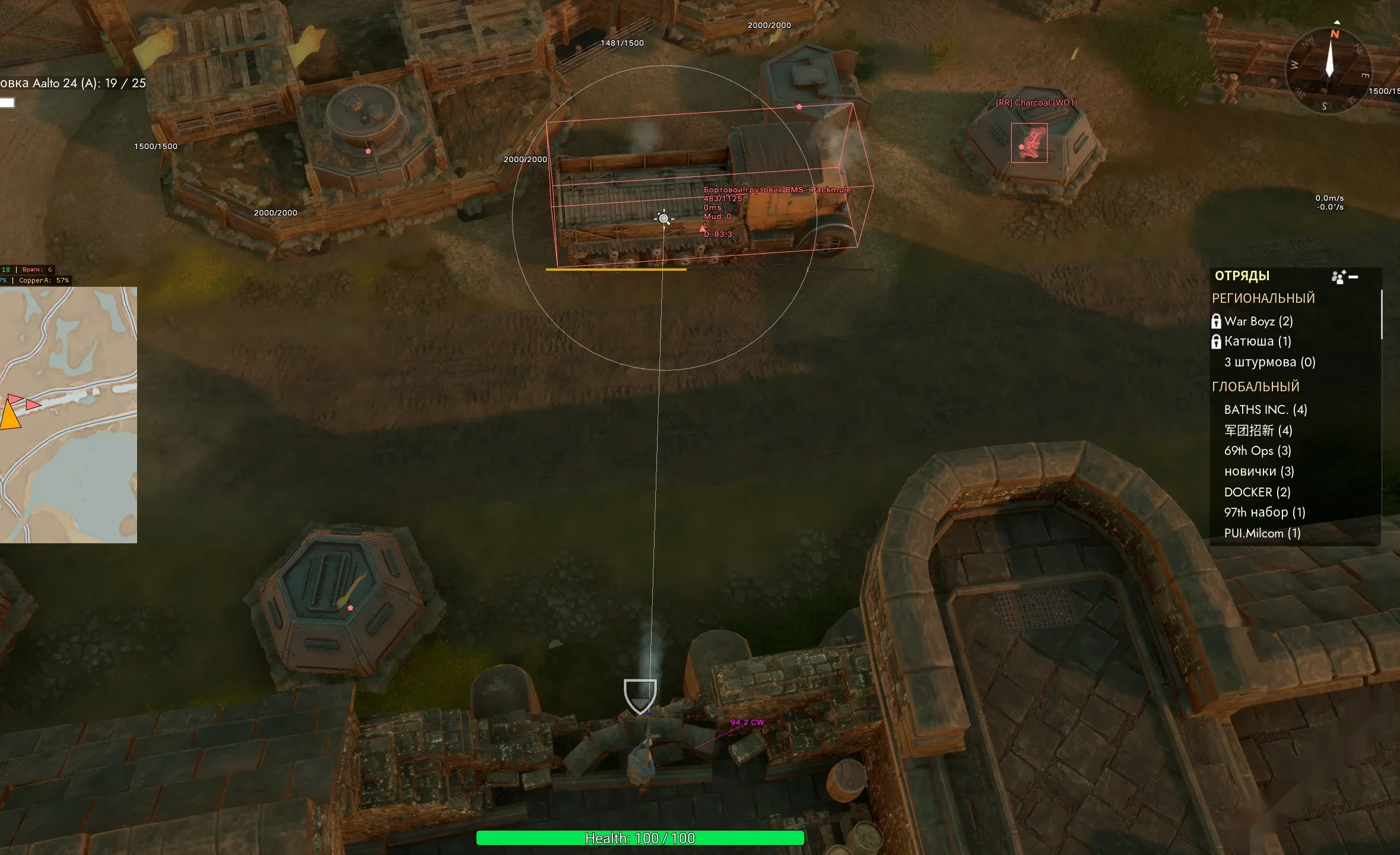
WALLHACK (ESP)
- Enable Object Info – enable object highlighting
- Faction Tabs – separate settings for Ally / Enemy / Neutral
- Infantry Info – display infantry information
- Vehicle Info – display vehicle information
- Building Info – display building information
- Health Bar – display health bar
- Inventory Info – display inventory
- Name Display – display name or title
- Skeleton Type – type of displayed skeleton
- Box Type – type of boxes
- Always Visible Model – show models through obstacles
- Local Player Info – character information panel
- Self Health Bar – health bar for character and vehicles
- Tracking Line – line from player to object
- Hide Line if Visible – hide line when in direct sight
- Start Distance – minimum display distance
- End Distance – maximum display distance
- Highlight Interactive Objects – highlight interactive objects

MAPHACK (RADAR)
- ESP Map Enable – enable ESP on the map
- Minimap Enable – enable extended minimap
- Minimap Scale – minimap panel scale
- Icon Scale – icon scale
- Map Zoom – map zoom
- Cache Time – object cache duration
- Minimap Color – minimap color
- Road Color – road color
- Show Objects – displayed objects
- Show Teams – display allies and enemies
- Show Player Count – display number of players
- Map Scanner – scan current hex
- Scan Debris – search for debris
- Cyclic Scan – cyclic scanning
- Random Scan Position – random scan point
- Start Scan Key – scan activation bind
EXPLOITS
- Move in UI – move character with UI open
- Ignore Some Building Rules – ignore some building restrictions
- Ignore Building Cooldown – disable delay between blueprint placements
- Ignore Lack of Fuel – operate vehicles without fuel
- Ignore Artillery Restrictions – remove artillery usage restrictions
- Ignore Disabled Vehicle – operate damaged vehicles
- Vehicle Ignore Time – duration of damage‑ignore mode
ARTILLERY
- Artillery Calculator – calculate distance and azimuth for artillery fire
- Target Position – set target position
- Artillery Position – set artillery position
- Weather Display – display weather conditions
- Shell Spread Area – visualize shell spread area
VOICE & CAMERA
- Voice Transcription – convert player speech to text
- Speech Model – choose recognition model
- Language Detection – automatic language detection
- Buffer Timeout – buffer delay
- Show Text Above Players – display text above players
- Text Display Time – text display duration
- Translation Enable – enable translation
- Translate To – translation target language
- Load Model – load model
- Show History – show history
- Free Camera – free camera movement
- Camera Activation Key – camera activation key
- Camera Mode – camera mode
- Camera Behavior Settings – camera behavior configuration
MISC
- FPS Unlocker – remove FPS limit
- FOV Changer – change field of view
- FOV Change Method – method of FOV adjustment
- Custom Range – display a circle with a defined radius
- Search Items – search items in bases and storages
- Background Scan – background item scanning
- Panel Open Key – panel open key
- Logistics Helper – calculate missing resources for the base
- Highlight Interactive Objects – highlight interactive objects
- Auto Command Trader – automatic processing of player trade commands
- Allowed SteamID List – list of SteamIDs allowed to send trade commands
- Auto Command from List – execute commands only from selected players
- Languages – Melonity menu supports multiple languages (Russian, English, Chinese)
Additional information
| Runtime | 7 Days, 30 Days |
|---|
Only logged in customers who have purchased this product may leave a review.
Reviews
There are no reviews yet.